How many megapixels you actually need for each print size
5 min read
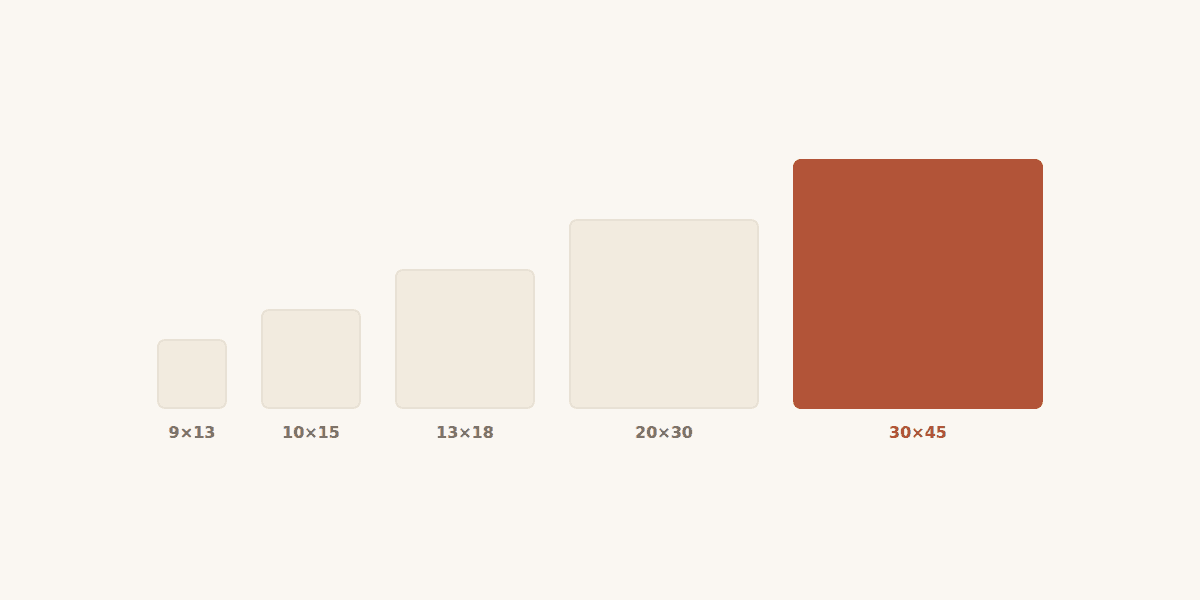
The most common question we get before a large print is “is my photo good enough?”. The answer is not a matter of opinion, it is a division. The standard for photographic printing is 300 dots per inch, roughly 118 dots per centimetre. To find the pixels you need along an edge, multiply its length in centimetres by 118.
An example: a 20×30 cm print needs about 2362×3543 pixels, which is 8.4 megapixels. Any phone from the last ten years clears that.
The table worth remembering
| Print size | Pixels needed at 300 DPI | Megapixels |
|---|---|---|
| 9×13 cm | 1063 × 1535 | 1.6 MP |
| 10×15 cm | 1181 × 1772 | 2.1 MP |
| 13×18 cm | 1535 × 2126 | 3.3 MP |
| 20×30 cm | 2362 × 3543 | 8.4 MP |
| 30×45 cm | 3543 × 5315 | 18.8 MP |
| 40×60 cm | 4724 × 7087 | 33.5 MP |
The viewing-distance rule
That table assumes a photograph held in the hand, 25–30 cm from your eyes. A picture on a wall is not looked at from there. The bigger the print and the further away it hangs, the more the eye forgives: a 40×60 cm print viewed from two metres looks perfect at 150–200 DPI. In practice a 12 MP file honestly covers a 40×60 cm wall print, even though the table “demands” 33 MP.
Why megapixels are not everything
A 48 MP photo shot in poor light, with digital noise and missed focus, will print worse than a 12 MP one shot in good light. Enlarging does not add detail — it only magnifies what was already there, flaws included.
- Avoid digital zoom: it crops pixels, it does not add detail.
- Do not send photos downloaded from WhatsApp or Facebook — they are heavily recompressed and lose both resolution and colour.
- A screenshot of a photo has the resolution of your screen, not of the photo.
- If you have the original on your phone, send it as a file, not as a chat image.
If you are unsure whether your file supports the size you want, send it to us before ordering. We will look at it and tell you exactly how large it can go.
Checked that your picture is large enough? You can order it straight from your phone; the price per print, format by format, is on the printing page. Photo prints — formats and prices →